
Visual Dolphin & Dolphin Horizon CAFM streamlines facilities management & maintenance. it gives a clear visibility to all the components you need to work with in your environment.. a user-friendly interface which equips you to plan, monitor and execute all your premises management tasks. it allows a complete coordination between the physical facilities & the human resources to optimize the functioning of your organization. With its integrated business intelligence tools & powerful mobile app , Visual Dolphin & Dolphin Horizon CAFM assists managers to improve every element of their business
It applies to the servicing of all types of properties & their assets (Villas, Residential Buildings, Malls, Manufacturing plants, machineries, pools, …). It integrates with Dolphin Equipment Management system & Preventive Maintenance Planning, Task Work Order (for Task assignment of technicians & time scheduling), JobDor mobile App for tracing the tasks, checking IN & OUT, Material consumption and clients billing.
Built-In CRM features for customer Contacts & Information, history of repairs by property or by asset, and, Direct Mail Sender to concerned persons. It includes advanced reporting on cost analysis, sales statistics and detailed analysis on client/ticket profitability.


CAFM Facilities (Properties & Locations): The system defines the properties & sub properties by location and property type. These are defined by hierarchy at various levels of units, and, may be classified by compound and clusters, or, by building, area and sections. A detailed description is provided by property including the owners, the tenants information & the contacts details.
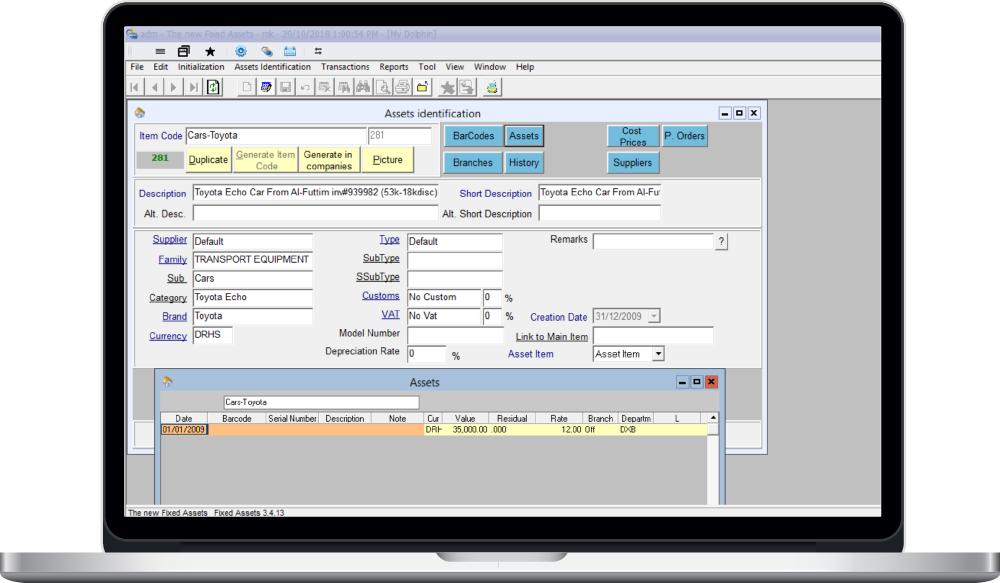
CAFM Assets: The module tracks an unlimited number of assets of various types including facilities, marine, aviation, machinery, and more. Extreme flexibility that adapts to any asset requiring preventive maintenance. Inventory of assets is defined by location or by property and includes item serial numbers when needed.
The CAFM assets module integrates with Dolphin Fixed Assets module, in case these belong to the company.
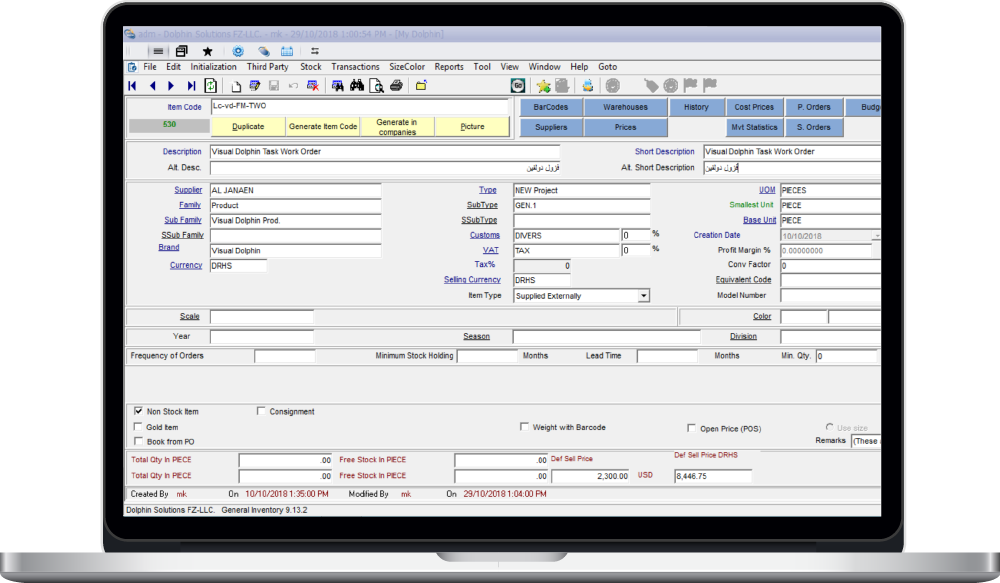
Inventory Module allows you to itemize the spare parts and other consumables required for the daily usage. You can enter part details such as model numbers, descriptions, unit costs, suppliers, etc. System allows users to receive automated alerts when any items reach minimum stock levels. This module helps you run your store with efficiency having many features such as supplier contact details, lead time on deliveries, min/optimum values and reorder points.
- Manage all supplier reference details for each inventory item
- Track all the transactions related to purchases, issuance and return of items in store
- Alerts on reorder points
- Replenish stocks based on the minimum/optimum level
- Purchase order workflow and online approval.
- Comprehensive inventory reports
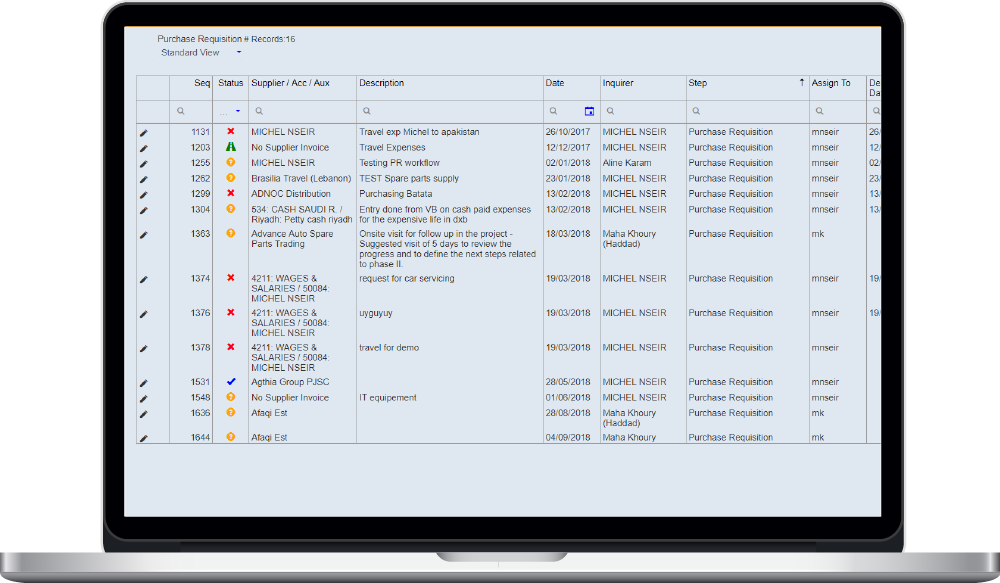
With procurement system, all the purchase requisitions will be centralized and monitored efficiently with status of each PR. Users can process the purchase requisitions against work orders or for an expense. Procurement department can issue the RFQ to different suppliers, compare the prices and finally sent to Management for approval electronically.
- Manage Supplier Contact details
- Defining Workflow for Procurement
- Inquiry of list of PR and Monitoring status of each PR/PO
- Sending RFQ to different suppliers, price comparison Sheet and document attachment.
- Approving best priced RFQ and canceling other.
- Sending LPO to supplier by mail
- Procurement for Job or Financial Mode
The MPL & Material Consumption functions Itemize and track usage of parts, spare parts & consumables while a maintenance is being performed.
The material Pick list is a document formulated by the technical team, containing the list of materials to be issued from the stores on a ticket or on a project. From the site, using the JobDor mobile app or through a web browser, the list of items needed is re-routed to the store keeper for dispatching the goods. Governed by a workflow and approval process, 3 options may be considered: issuing material on ticket for consumption, placing a back to back purchase order (part of the supply chain), or operating a transfer between stores.
The Material Pick List displays the quantities in store online, the quantities under shipment, and the ones reserved in the inventory for other projects.
This module integrates with Dolphin Inventory management system; it provides a full inventory management system for stock tracking, reorder notifications, purchasing, placing supplier orders, transfer between stores and booking items. It offers alternative of part through equivalent item codes or equivalent bar codes when supplied from various sources. Dolphin Inventory module applies in the workshop billing of parts & material, as well as the cost estimation modules.