Know Every Job's Cost
Each ticket is costed from materials, time spent and external purchases, so you see profitability by ticket, client and contract.

Manage Maintenance. Control Costs. Protect Margins.
Plan, monitor and execute every premises management task, from the first service request to the client invoice. Properties, assets, contracts, technicians and spare parts run on one platform, fully integrated with Dolphin Horizon accounting, stock and procurement.
 One platform. Connected operations.
A short guided tour of Dolphin Horizon CAFM, with the workflows, benefits and reports your team uses every day.
Give managers complete coordination between your facilities and your people, with the visibility to deliver reliable service at a profit.
Each ticket is costed from materials, time spent and external purchases, so you see profitability by ticket, client and contract.
Tickets follow your workflow, and alerts fire when a ticket exceeds the time allowed by the SLA.
Plan regular maintenance on every asset and property up to three years ahead, to avoid unexpected failures and extend equipment life.
Link work orders, inventory and invoicing directly with Dolphin Horizon accounting, stock and procurement, reducing double entry.
Every request follows your process, and every cost lands on the right ticket, contract and client.
Log the call at the helpdesk, or let the client post it on the portal, with photos and documents.
Inspect the problem, estimate the cost and send a quotation when needed.
Create task work orders and assign technicians on the calendar by specialisation.
Technicians check in, follow checklists, use parts from stores and record their time.
Invoice from the quotation or actual costs, close the ticket and send the client survey.
Every request traced end to end
For the servicing of all types of properties and their assets: villas, residential buildings, malls, manufacturing plants, machinery, pools and more.
Sell and deliver maintenance contracts, with SLAs and billing for many clients.
Manage properties, owners, tenants and the cost of every repair.
Coordinate MEP, cleaning, landscaping, security and subcontractors.
Handle residents' requests and share costs across co-owners.
Maintain machinery and equipment on schedule to reduce downtime.
Explore the key modules of Dolphin Horizon CAFM, from the first contract to the final invoice.
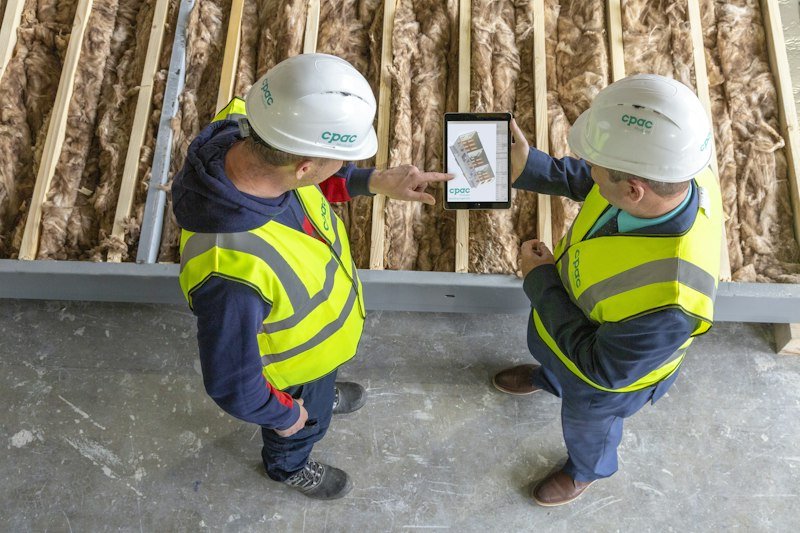
Define what you maintain and for whom, with budgets that show what each commitment will really cost.
Usually annual retainers, covering the services you offer: civil, MEP, plumbing, landscaping, cleaning, repairs, preventive maintenance and security.
Budget the expected labour, material and subcontracting costs for the various areas of a property.
Define properties and sub-properties by location and type, in a hierarchy by compound, cluster, building, area and section, with owners and tenants.
Track an unlimited number of assets in facilities, marine, aviation, machinery and more, by location or property, with or without serial numbers.
Contacts, client history, statements of account and balances, visit reports, client briefs, leads and opportunities, with direct mail to clients.
Assets belonging to your company integrate with the Dolphin Horizon Fixed Assets module.
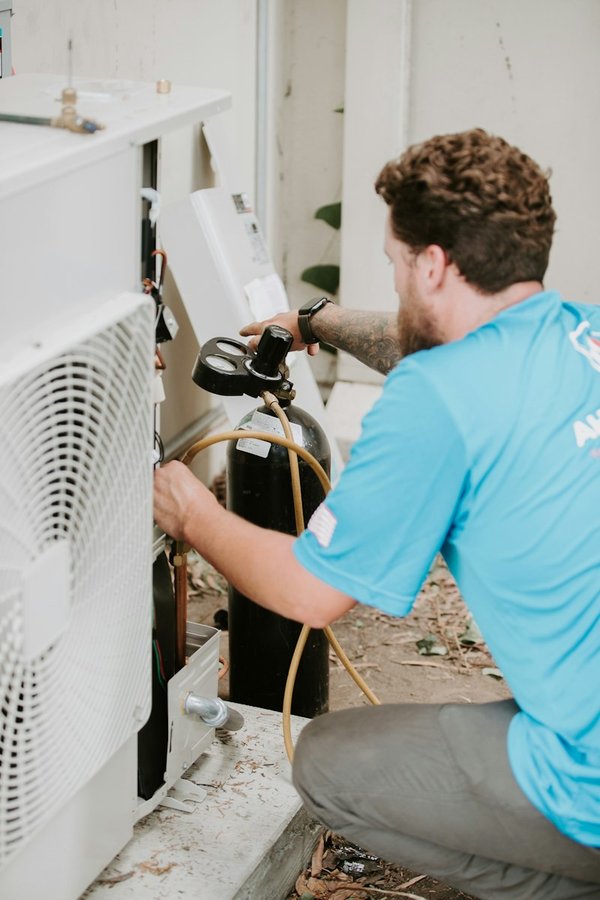
Tickets and preventive maintenance turn into scheduled tasks, so technicians always know what to do next.
Log calls and complaints for breakdowns, ad-hoc repairs or work under maintenance agreements, for a location, property or asset, with documents and pictures.
Route tickets through inspection, cost estimation, material supply and assignment, with alerts when a ticket exceeds the SLA time.
Generate tasks from repair tickets or due preventive maintenance, linked to a client or a ticket, or stand-alone, and put them on hold, cancel or close them.
View tasks by technician, date, time and duration, then drag and drop to reassign within a team or reschedule.
Set frequencies per asset or property, plan up to three years ahead, generate the calendar of tickets and tasks, and get automated alerts on screen or by email.
Checklists per case, asset or equipment, with actions to do or to check, reviewed items marked and corrective actions recorded.
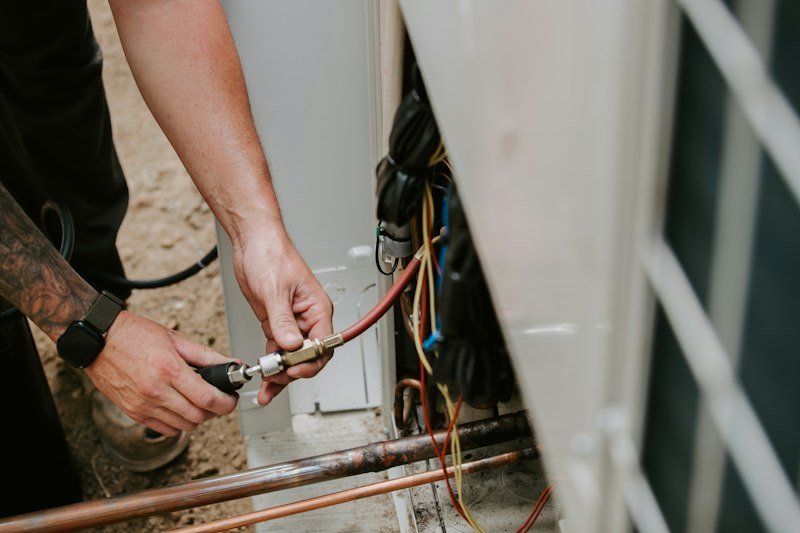
What technicians spend on each job, in hours and in parts, is recorded and approved, so every ticket carries its true cost.
Enter time from tickets, from check in and check out on a task, or on a monthly grid, with several levels of approval and costing at each employee's hourly rate.
The technical team lists the parts a ticket needs. The list goes to the storekeeper through a workflow, showing stock in store, under shipment and reserved.
Issue material on the ticket for consumption, place a back-to-back purchase order, or transfer stock between stores.
Dolphin Horizon CAFM integrates with the JobDor mobile app, keeping field teams linked to their tasks.
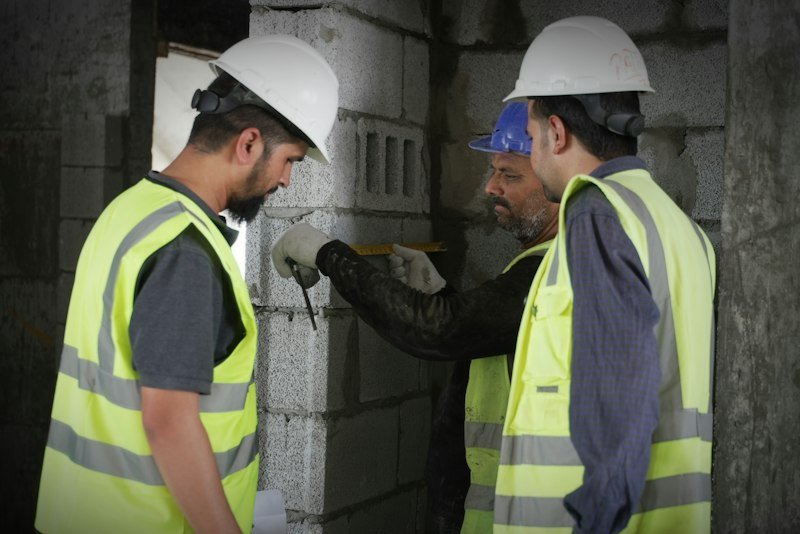
Quotations and invoices come straight from the ticket, and clients follow their requests online.
Quote after inspecting the asset or area, covering labour, parts, consumables and outsourcing costs.
Bill from the approved quotation, or after the work from materials, timesheets and direct expenses, to the tenant, owner or association committee.
Clients post new tickets, choose a project manager, exchange notes, follow ticket status and history, and check balances, statements, invoices and payments.
When a ticket closes, a survey is emailed automatically, scored against your targets and followed over time.
Invoices, purchases, stock movements and job costs post directly to Dolphin Horizon accounting, stock and procurement, with no double entry.
Teams work in Arabic or English, across multiple companies and branches.
Dolphin Horizon CAFM is integrated with the JobDor mobile app, so your technicians stay connected to the office wherever they work.
Reporting covers every part of your facility operations, from response times to profitability.
Durations from receiving a call to assignment and to completion, against your SLAs.
Time spent against estimates, workload and outstanding tasks by team.
Planned versus completed maintenance, by property, asset and period.
Material, labour and subcontracting costs by ticket, property and contract.
Sales statistics and detailed profitability by client and ticket.
Visual KPIs and automated alerts that keep managers ahead of every issue.
Dolphin Horizon CAFM is designed for companies that deliver and bill maintenance services, with contracts, SLAs, subcontractors, job costing and cost sharing between clients or co-owners.
Accounting, stock and procurement run on the same Dolphin Horizon platform as your maintenance.
Job costs, stock movements and billing stay connected to the work done in the field.
From villas and malls to plants, pools, marine and aviation equipment.
Access from any web browser on Mac or PC, with mobile field work through JobDor.
Focuses on maintenance itself: work orders, preventive schedules, assets and spare parts.
Covers maintenance and more: properties, tenants, service contracts, subcontractors, client billing and the full operation of a facility.
Goes one step further, connecting all of this to Dolphin Horizon accounting, stock and procurement, so facility operations and finance run on the same system.
Illustrative sample logos for layout preview only. Replace with approved client identities before publication.
More detail on how Dolphin Horizon CAFM supports maintenance operations.
Yes. Dolphin Horizon CAFM is fully integrated with Dolphin Horizon accounting, stock and procurement. Material consumption, purchases, timesheets and client invoices post directly to your finance and inventory, with no double entry.
Yes. Contracts with tenants or property owners, usually annual retainers, define the services offered, such as civil, MEP, plumbing, landscaping, cleaning, repairs, preventive maintenance and security, with budgets and billing per contract.
Annual or monthly billing, cost plus on material spent, billing on accomplished phases for projects, and cost sharing across many residents or co-owners. Invoices can go to the tenant, the owner or the association committee of a property.
Each asset or property gets a maintenance frequency, such as once every quarter or twice a year. Maintenance can be planned up to three years ahead. A planner generates the calendar of tickets and tasks, with checklists and material pick lists, and automated alerts on screen or by email.
Yes. Dolphin Horizon CAFM integrates with the JobDor mobile app, so field technicians stay connected to their tasks, checklists and materials.
Yes. It supports Arabic and English, with multi-company and multi-branch operations.
Tell us what your business needs. We'll show you how Dolphin can help connect the pieces.