One-click product inquiry. Connected to your stock.
Dolphin Horizon CuantoDOR
Every Product Question, Answered in One Click.
A mobile inquiry app for retail floors and showrooms. Scan a product by camera or barcode reader, or browse the catalog, and see its price, specifications and quantities instantly, with the stores, warehouses and showrooms where it is available. Integrated with Dolphin Horizon Retail and Inventory Control, fully integrated with accounting, stock and procurement.
CuantoDOR solves a daily retail concern: a customer looking for a product, and a salesperson who needs to answer any question about it, quickly and correctly.
01
Answer in One Click
Scan the item on the shelf and get its price, specifications and quantity immediately.
02
Never Lose a Sale to "Out of Stock"
See which store, showroom or warehouse has the item, and direct the customer there.
03
Always the Right Price
Prices and specifications come from the same system as the till, so staff never quote an old price.
04
Simple and Secure
Staff sign in with their own credentials and profile, and need no training to start.
How it works
From Question to Answer in Seconds
Everything a salesperson needs to answer a customer, without leaving the shop floor.
STEP 01
Sign in
Log in safely with a username, password and profile on the company's server.
Chapter 02STEP 02
Scan or browse
Scan the barcode with the camera or a barcode reader, or browse the products catalog.
Chapter 01STEP 03
Check the details
See the picture, price, specifications and quantities of the product.
Chapter 02STEP 04
Find availability
Open the warehouse information to see where the product is in stock.
Chapter 02
Everything about a product, at one click
PicturePriceSecond currencySpecificationsDimensionsQuantity on handStock by location
Who it is for
Built for Retail Floors and Showrooms
For any business where customers ask about products in person, across one store or many.
Retail Chains
Staff who answer customers across several stores.
Furniture & Home Showrooms
Large catalogs, dimensions and display items in several showrooms.
Sports & Fitness Equipment
Technical specifications and models customers want to compare.
Electronics & Appliances
Fast-changing prices and models, checked at the shelf.
Wholesale Showrooms
Trade customers asking what is available in the warehouse or on the vans.
Inside this chapter3 featuresCamera · reader · catalog
1.1
Find the Product
01
Scan by CameraThe phone is the scanner.Scan items on the shelf with the mobile camera and open the product's information immediately, with no extra hardware.
02
Linked Barcode ReaderFaster scanning, all day long.Link a barcode reader to the device to scan products quickly in busy stores, warehouses and showrooms.
03
Products CatalogEvery product, with its picture and price.Browse the list of all products in the catalog with their pictures and prices, and search to check any product's information and specifications.
CuantoDOR / Chapter 02 of 02 / Details & Availability
Chapter 02 · Know where it is.
Details & Availability
The Full Product File, and Where to Find It.
Open any product to see its specifications, prices and quantities, then check which point of sale, showroom, warehouse or van has it in stock. Staff sign in securely with their own profile.
CHAPTER 02 · SPECIFICATIONS · PRICES · STOCK BY LOCATION
Chapter 02
Inside this chapter6 featuresDetails · stock · ERP
2.1
Product File & Availability
01
Product DetailsEverything the customer asks about.Tap a product to see its picture, code, full description, brand, specifications such as dimensions, model and notes, plus its prices and quantities.
02
Prices in Two CurrenciesQuote the right price, in the right currency.See the product's price in the main currency and the additional price in a second currency, straight from the product file.
03
Stock by LocationKnow which point of sale has it.Open the warehouse information to see the product's availability in each point of sale, showroom, warehouse and van, so customers are never sent away empty-handed.
04
Secure Sign-InEasy to log in, safe by design.Each user signs in with a username, password and profile on the company's server, so information is shown only to authorized staff.
2.2
Integration
05
Fully Integrated with Dolphin Horizon ERPAccounting, stock and procurement, all in one system.CuantoDOR reads its products, prices and quantities from Dolphin Horizon, fully integrated with accounting, stock and procurement, so every answer matches the system. See Inventory Control →
06
Integrated with Dolphin Horizon RetailThe till and the shop floor, in sync.Retail is integrated with CuantoDOR, giving sales staff real-time product availability across all locations. See Dolphin Horizon Retail →
Software Design has been building financial and business management systems since 1985, for retail, trading and industrial firms across the Middle East and North Africa. CuantoDOR puts the answer to every product question in your staff's hands.
One source of truth
Prices, specifications and stock from the same system as the till.
No extra hardware
The phone's camera is the scanner, with a barcode reader as an option.
Fast to adopt
Scan, look, answer: staff are productive from day one.
When a customer asks about a product, every minute spent calling the warehouse or searching the back office is a minute the customer might walk out.
Asking around
The customer waits
Staff walk to the back office to check a price
Phone calls to other stores to find stock
Specifications guessed or looked up online
Out-of-date price labels quoted
Customers leave to look elsewhere
Visual Dolphin & Dolphin Horizon CuantoDOR
The answer in one click
Price shown the moment the item is scanned
Stock in every location on the same screen
Full specifications from the product file
Prices from the same system as the till
Customers directed to the store that has it
Frequently asked questions
Questions Retailers Ask
More detail on CuantoDOR, the Visual Dolphin and Dolphin Horizon one-click inquiry app.
What is CuantoDOR?
CuantoDOR is a one-click product inquiry app for retail. It lets sales staff answer customers swiftly about any product: price, specifications, quantities and where it is available.
How are products scanned?
With the mobile phone's camera, or with a barcode reader linked to the device.
Can staff see stock in other stores?
Yes. From the product's warehouse information, staff see its availability in each point of sale, showroom, warehouse and van.
Which prices does CuantoDOR show?
The product's price in the main currency and the additional price in a second currency, as defined in the system.
Is CuantoDOR integrated with Dolphin Horizon?
Yes. CuantoDOR is integrated with Dolphin Horizon Retail and Inventory Control, fully integrated with accounting, stock and procurement, so its prices and quantities match the system.
Is access secure?
Yes. Each user signs in with a username, password and profile on the company's server.
Continue exploring
Related Dolphin solutions
Discover related modules within the Dolphin Horizon product suite.

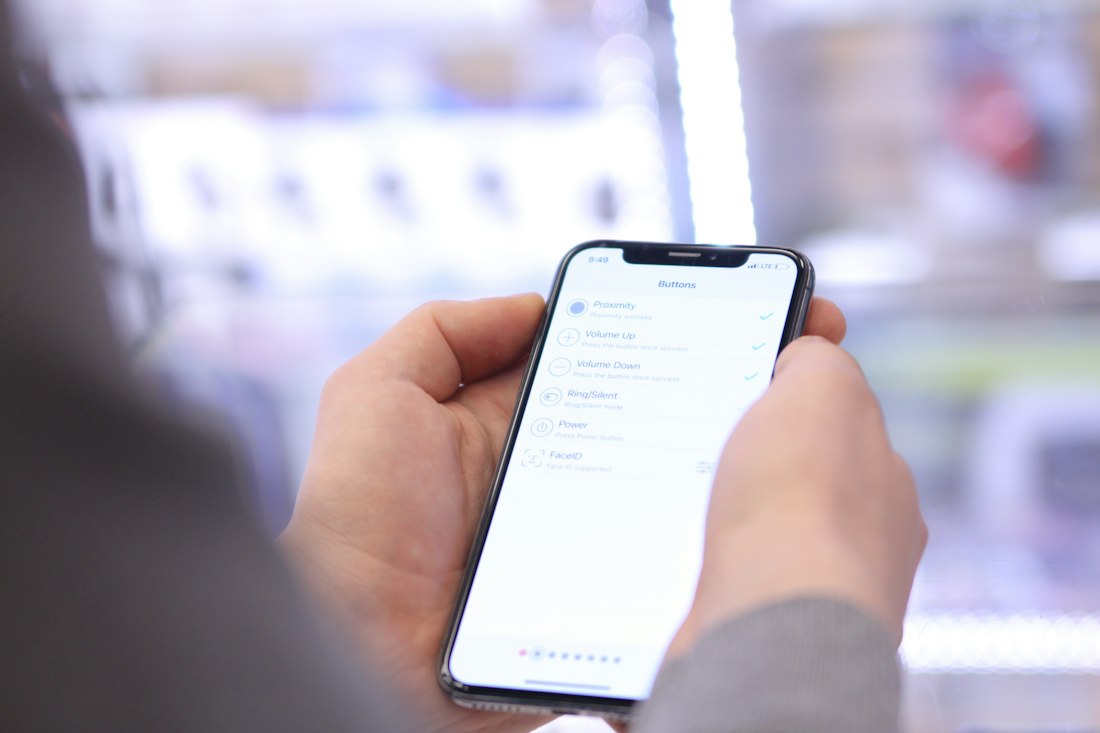 One scan, every answer
 Chapter 02