Built for complex business. Made refreshingly simple.Beirut Dubai Riyadh
Construction & contracting. Connected to finance.

Dolphin Horizon
Construction Software

Estimate Accurately. Control Every Cost. Bill With Confidence.

Run every contracting project from tender to final invoice on one platform. Build your BOQ and cost estimates, manage procurement and subcontractors, record site labour and equipment, and bill clients from approved quantity surveys, all connected to Dolphin Horizon ERP.

INDUSTRY WORKFLOWS · CONNECTED TO DOLPHIN HORIZON
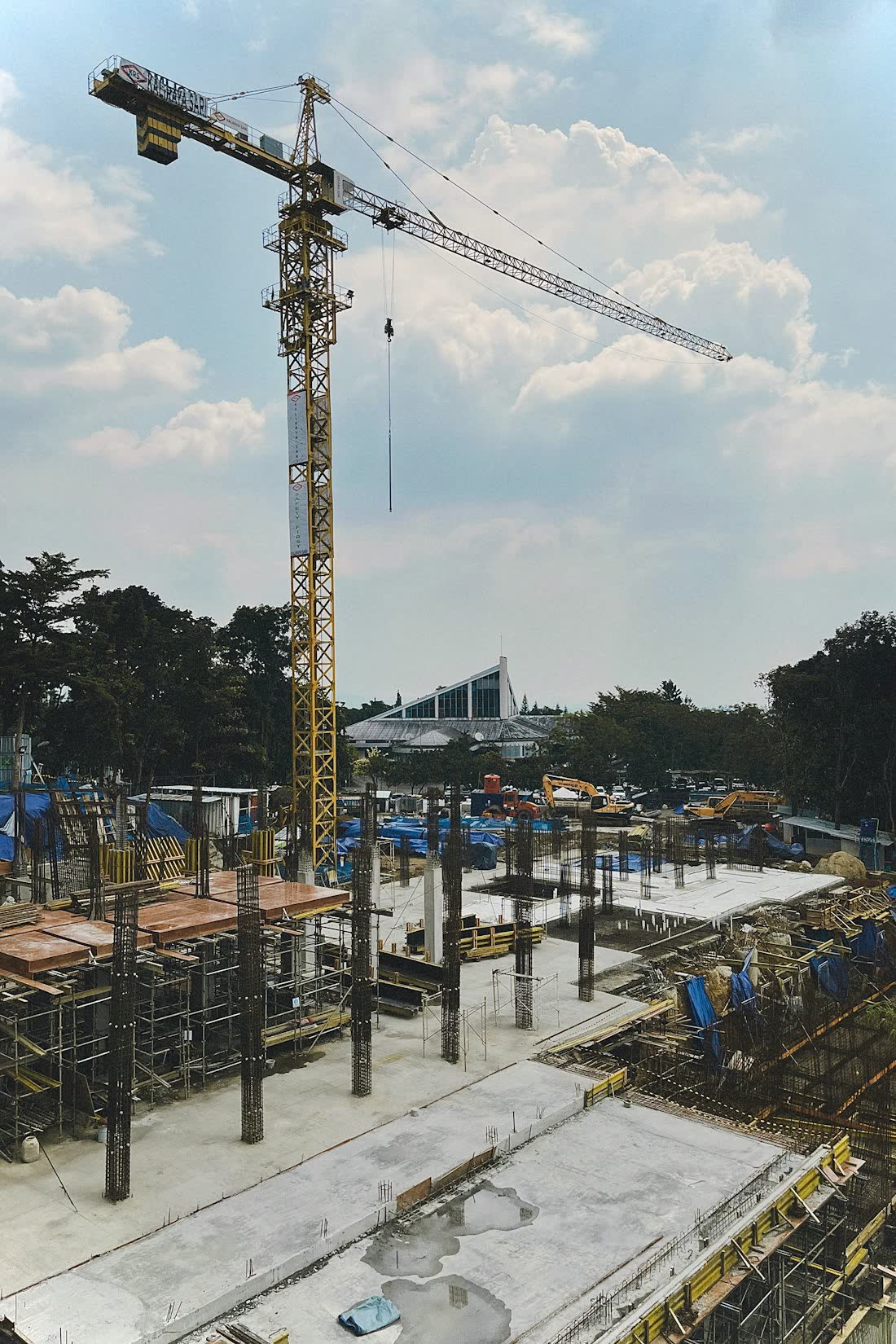
Active construction site with cranes and structural building workProjects under control
Tender to final invoiceEvery cost in viewBOQ · site work · billing
Tendering & estimationBOQ, take-off & quotations
Procurement & subcontractingRFQs, LPOs & retentions
Site cost controlLabour, materials & equipment
ERP integrationFinance, inventory & billing
Watch the tour

Dolphin Horizon Construction in Action

From tender to final invoice: estimating, procurement, site costs, billing and cost control, all connected to Dolphin Horizon ERP.

Business benefits

Win the Right Tenders. Protect Every Margin. Get Paid on Time.

Give project managers, quantity surveyors and finance one version of the truth, instead of spreadsheets saved on individual computers.

01

Price Tenders Accurately

Build estimates from your BOQ, supplier price proposals and the real costs of similar past projects.

02

Know Your Real Cost

Compare actual spending with the budget for every activity, relative to the quantities actually achieved on site.

03

Keep Purchasing in Check

Control every purchase order and subcontract against the project budget, supplier credit limits and approval ceilings.

04

Bill Faster, Collect Sooner

Turn approved quantity surveys into payment certificates and invoices, with down payments and retentions applied automatically.

One connected workflow

From Tender to Final Invoice

Every project follows the same structure, so every cost and every invoice traces back to a BOQ activity.

STEP 01

Estimate & tender

Import the BOQ, detail the quantity take-off, estimate costs and send the client quotation from the system.

STEP 02

Procure & subcontract

Site requisitions become RFQs and LPOs, compared and approved within budget through the workflow.

STEP 03

Execute & record

Record labour timesheets, materials issued from stores and equipment time against each activity.

STEP 04

Measure & bill

Survey achieved quantities, issue payment certificates and invoice the client, with retentions and advances applied.

Every BOQ activity is estimated and tracked by five cost elements

Bill of materialsLabourSubcontractingExternal purchasesEquipment
Who it is for

Built for Contractors Running Medium to Large Projects

For companies that tender, execute and bill construction work across multiple projects, sites and countries.

General Contractors

Manage multiple projects, subcontractors and client billing in one system.

MEP & Specialty Contractors

Track materials, technicians and equipment per package and per site.

Civil & Infrastructure

Control heavy equipment, earthworks quantities and long-running phases.

Fit-Out & Interiors

Price detailed BOQs, manage variations and bill by accomplishment.

Developers & Property Companies

Follow project budgets, then run annual maintenance contracts after handover.

Platform capabilities

Everything a Contracting Operation Needs

Explore the key modules of Dolphin Horizon Construction, from the first estimate to the last payment certificate.
01 / 04

Tendering, Estimation & Budgeting

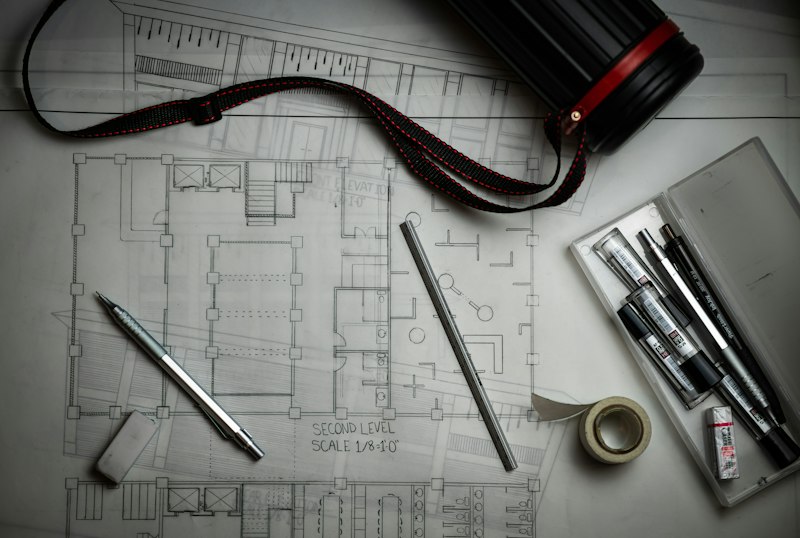
Architectural blueprints with drafting pencils and a scale ruler used for quantity take-off and estimation

Build the BOQ once and use it throughout the project

The same BOQ activities carry your cost estimate, your selling price, your purchases, your site costs and your client invoices.
  • Import BOQs from Excel
  • Reuse standard templates
  • Learn from past project costs
  • Track every quotation revision
01
Projects & Job CostingOne structure for every project, section and phase.Define projects and sub-projects, record the project brief and coordinators, and attach drawings, agreements, notes and memos to each job.
02
Activities ListingA cost structure your whole team recognises.Organise cost elements in a hierarchical structure, including the usual 16 or 33 divisions covering all activities of a general contracting project.
03
Bill of QuantitiesEvery activity with its unit, quantity and specification.Import from Excel, duplicate from standard templates or enter manually, with units of measurement, quantities and technical specifications.
04
Quantity Take-OffKnow exactly where every quantity comes from.Detail quantities in metres, square or cubic metres back to their original source, broken down by floor, room or area.
05
Cost EstimatesEstimate each activity by five cost elements.Break costs into materials, labour, subcontracting, external purchases and equipment, using supplier price proposals, catalogue prices, discounts and rates from previous projects.
06
Client Quotations & TenderingPrice, send and track tenders without leaving the system.Set selling prices by standard rates or markup on cost, email quotations directly to clients, and keep the full history of revisions for each job.
02 / 04

Procurement & Site Execution

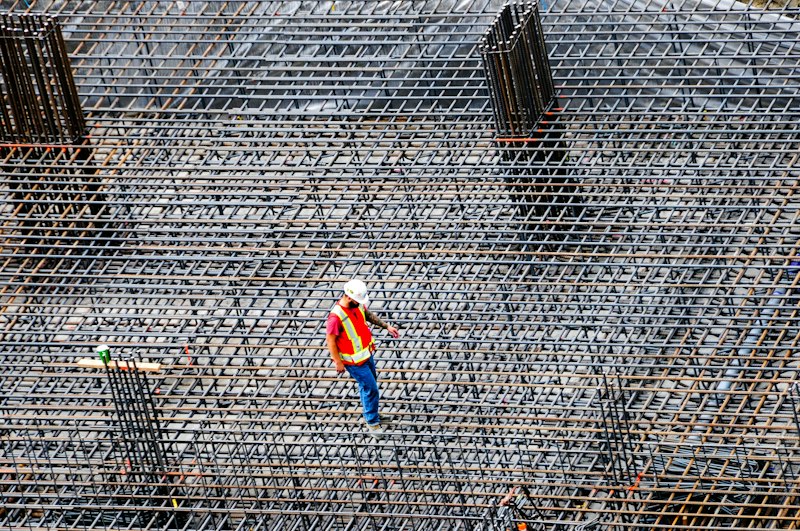
Site engineer inspecting steel reinforcement on a construction site

Every cost on site lands on the right activity

Purchases, subcontracts, materials, labour hours and equipment time are all recorded against BOQ activities, so cost control stays current.

  • Budget-controlled LPOs
  • Online approval workflow
  • Advances & retentions tracked
  • Costs per activity, in real time
07
ProcurementFrom site requisition to confirmed LPO, within budget.Sites raise purchase requisitions through the workflow, RFQs go to several suppliers at once, prices are compared with past rates and LPOs are checked against budgets, credit limits and approval ceilings.
08
Subcontracting ManagementTender, award and control outsourced work packages.Issue RFQs and LPOs to subcontractors with predefined rates by activity, and control their deliveries, advance payments, retentions and outstanding balances by project.
09
Material Requisition & ConsumptionMaterials move from warehouse to project, fully traced.Fully integrated with Dolphin Horizon inventory control, so stock held in warehouses is requested, issued and consumed on specific projects.
10
Labour Cost & TimesheetsKnow what every hour on site really costs.Record the time and type of workers assigned to each BOQ activity, with regular and overtime hours and cost rates by level of qualification.
11
Equipment CostCharge machines and heavy vehicles to the right project.Assign equipment to projects and sites, with costs calculated from standard rates per hour, day, week or month.
12
CRM: Clients, Suppliers & SubcontractorsEvery partner, contact and document in one place.Filter suppliers by speciality, location or ranking, attach trade licences, insurance and certificates, and locate clients and project sites on Google Maps.
03 / 04

Quantity Surveying, Billing & Cash Flow

Construction team in hard hats measuring a block wall to survey achieved quantities

Bill exactly what was achieved, and nothing slips through

Quantity surveys feed payment certificates and client invoices directly, with every deduction and advance accounted for.

  • Full or partial amounts
  • Percentage of accomplishment
  • Annual fees
  • Cost plus & time/service
13
Quantity SurveyMatch planned quantities with what was really built.Compare expected BOQ quantities with achieved ones, at two levels: the quantities effectively realised, and the quantities agreed with the client's consultant that generate the payment certificate.
14
Detailed Client BillingProgress invoices that reflect the contract.Invoice periodically from payment certificates, taking into account materials on site, down payments already received and client retentions.
15
Variation & Change OrdersCapture every change and get paid for it.Handle client variation orders as part of the original agreement, or manage them as an independent agreement invoiced separately.
16
Cash Flow ManagementSee the cash each project needs before it needs it.Plan expected payments and collections by BOQ section with projected dates, and revise the cash flow as the project progresses.
17
Annual ContractsKeep earning from the buildings you deliver.Manage yearly maintenance agreements, generate tasks from call centre requests, compare actual costs with annual fees and renew contracts automatically. See Dolphin Horizon CAFM →
04 / 04

Cost Control, Analytics & Mobility

Two site engineers reviewing project information on a tablet

Spot the problem while there is still time to fix it

Reports, dashboards and alerts show management where budgets, collections and approvals stand on every project.

  • Actual vs estimate by activity
  • Commitments not yet invoiced
  • Drill-down dashboards
  • Alerts when budgets are exceeded
18
Cost Control AnalysisActual cost against achieved quantities, down to a single transaction.Monitor labour, material, subcontracting and miscellaneous costs against the initial estimates, including LPOs and commitments already given to suppliers but not yet invoiced.
19
Analytics & Business IntelligenceTurn project data into management decisions.Analyse by year and month, project type, expense type, activity and cost element, client, region, project manager and account executive with drill-down dashboards.
20
Alerts with My DolphinThe right person hears about it first.Define alerts for exceeded budgets, delayed client collections or workflow requests left pending, and send them to the people concerned.
21
Mobile AccessProject information wherever your team is.Give teams access on iOS and Android to project status, client contacts, balances, statements of account and unsettled transactions.
Why Dolphin Horizon

Built by People Who Understand Contracting

Software Design has been building financial and construction management systems since 1985. Our consultants bring proven contracting practices to every implementation, so your team gets up and running quickly and uses the system the way it was designed.

Connected to ERP

Projects share one database with accounting, inventory, procurement, A/R and A/P, with multi-currency, multi-company and multi-branch support.

Cloud or on-premise

Host it in the cloud or on your own servers, and give engineers and administrators access from every site and country.

Workflow approvals

Purchase requisitions, client submittals and material requests are approved online, with full traceability.

Documents in context

Client agreements, drawings, project plans and variation orders are attached to the project they belong to.

Spreadsheets vs one system

Why Contractors Move Off Excel

When estimators, procurement, site teams and finance each keep their own files, nobody knows the real margin until the project is over.

Spreadsheets & disconnected tools

Every department, its own version

  • BOQs and estimates rebuilt for every tender
  • Purchases approved without checking the budget
  • Site costs entered weeks after they happen
  • Retentions and advances tracked by hand
  • Real margin known only at project close
Dolphin Horizon Construction

One centralised system

  • BOQ reused from estimate to final invoice
  • LPOs controlled against budget and ceilings
  • Labour, materials and equipment posted per activity
  • Down payments and retentions applied automatically
  • Budget vs actual visible on every project, every day
EXAMPLE LOGO DISPLAY

How client logos could appear

Illustrative sample logos for layout preview only. Replace with approved client identities before publication.


Illustrative sample logo 1, not a real client endorsement
Illustrative sample logo 2, not a real client endorsement
Illustrative sample logo 3, not a real client endorsement
Illustrative sample logo 4, not a real client endorsement
Illustrative sample logo 5, not a real client endorsement
Illustrative sample logo 6, not a real client endorsement
Frequently asked questions

Questions Contractors Ask

More detail on how Dolphin Horizon Construction supports contracting operations.

Can we import our Bill of Quantities from Excel?

Yes. A BOQ can be imported from Excel, duplicated from standard templates or previous projects, or entered manually, with units of measurement, quantities and technical specifications for every activity.

How does Dolphin Horizon Construction compare actual costs with the budget?

Every BOQ activity carries a cost estimate split into material, labour, subcontracting, external purchases and equipment. Actual costs from timesheets, stock issues, LPOs and subcontractor invoices are posted against the same activities and compared with the estimate relative to the quantities achieved, including commitments not yet invoiced.

Does it handle down payments, retentions and payment certificates?

Yes. Quantity surveys generate payment certificates, and client invoices take into account down payments received, retentions and materials on site. Subcontractor advances and retentions are tracked in the same way.

Which billing methods are supported?

Full or partial amounts, percentage of accomplishment, annual fees for property management contracts, and cost plus or time and service billing.

Can Dolphin Horizon Construction run in the cloud?

Yes. It can be cloud-hosted or deployed on your own servers, and engineers and administrators can access it from any site, city or country.

Can site teams use it on mobile devices?

Yes. Mobile access on iOS and Android gives teams project status, client contacts, balances, statements of account and unsettled transactions wherever they are.

LET'S BUILD WHAT'S NEXT

Complex operations.
Clearer possibilities.

Tell us what your business needs. We'll show you how Dolphin can help connect the pieces.

Request a demo Local experts. Long-term partnership.
↑