Production & plant operations. Connected to finance.
Dolphin Horizon Manufacturing
Plan Smarter. Produce Faster. Deliver What You Promise.
Streamline the entire manufacturing process, from recipes and planning through work orders and execution to monitoring and analysis. Shorten time to market, respond to changes in demand and deliver promised orders, with real-time visibility across the shop floor. Fully integrated with Dolphin Horizon accounting, stock and procurement.
4 CHAPTERS · 1 PRODUCTION CHAIN · CONNECTED TO DOLPHIN HORIZON
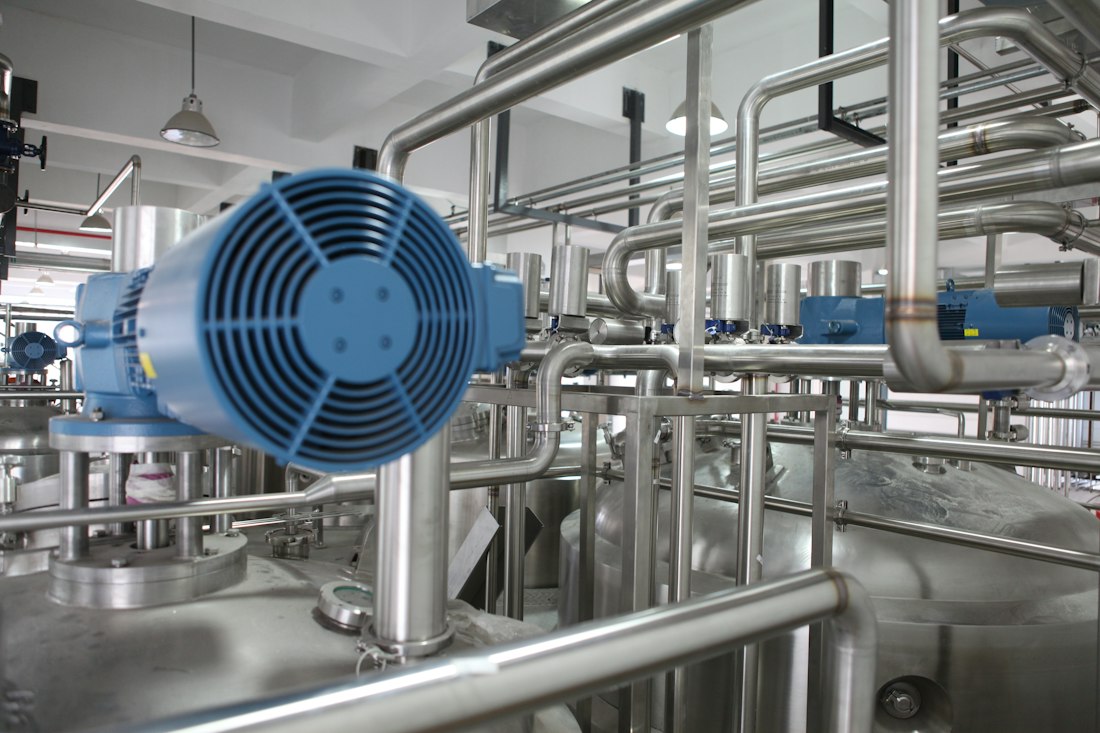
Production under control
Sales order to finished goodsEvery MWO in viewRecipes · production · cost
Assembly sheetsRecipes & cost simulation
Manufacturing ordersGenerated from sales orders
Production & costingConsumption & standard cost
ERP integrationAccounting, stock & procurement
The brochure
From Raw Material to Finished Goods
The Manufacturing brochure follows your production from the first recipe to the finished, traceable product. Read each chapter on this page, or download the PDF to share with your team.
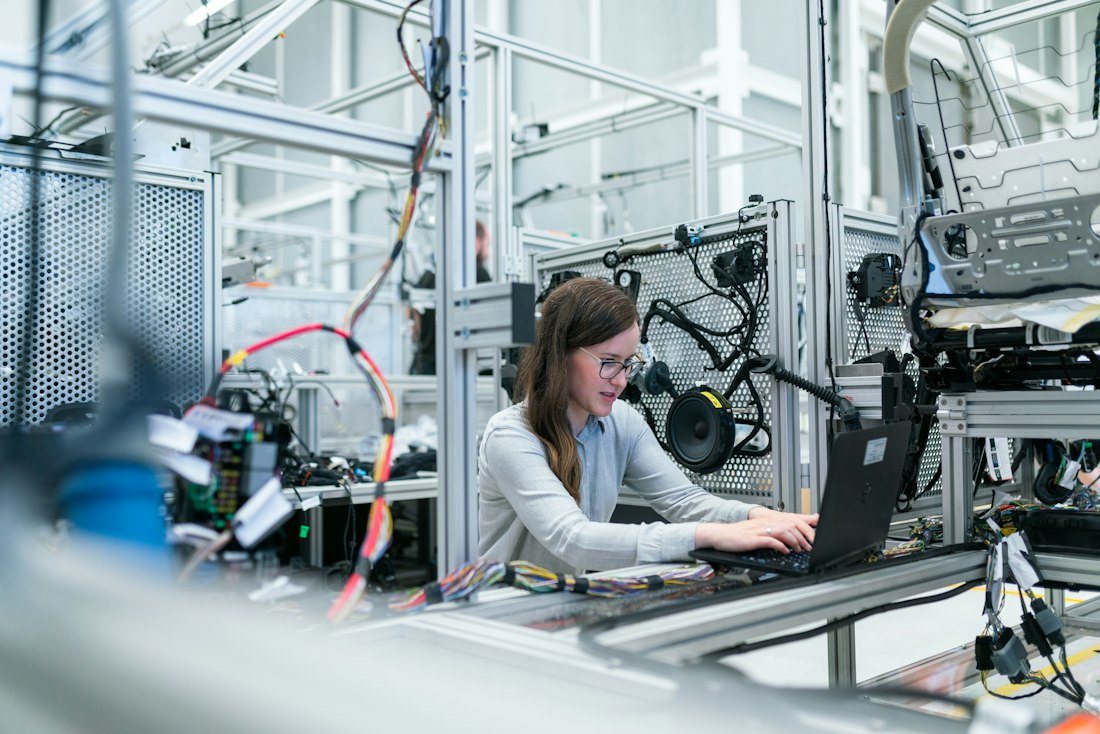
Chapter 01
Assembly Sheets
Recipes that define what goes into every product, and what it costs.
Know What Goes Into Every Product, and What It Costs.
The assembly sheet, or recipe, identifies the raw materials and semi-finished products required to make a finished product, with its machines, labour and charges, and a built-in cost simulation.
Inside this chapter6 featuresRecipes · levels · cost
1.1
Recipes & Structure
01
Standard Assembly SheetEvery ingredient, from the item master.Select raw materials from the Dolphin Horizon inventory item master, whether they are semi-finished products you make or goods bought from third-party suppliers.
02
Multiple RecipesA primary recipe, and as many alternatives as you need.The primary recipe is proposed by default, and a product can have several others. Each recipe can have unlimited levels, from the finished product down to its semi-finished components.
03
Machinery AllocationMachines planned with the recipe.Pre-define which machines each assembly sheet uses, so their load and occupancy are known as soon as a work order is created.
1.2
Cost Simulation
04
Embedded Cost AnalysisSee the cost before you produce.Simulate the product cost from the current cost price, last cost price or current replacement cost, taking currency fluctuations on raw materials into account.
05
Additional ChargesMachines, labour and shared expenses included.Allocate machinery use (depreciation), labour and direct shared manufacturing expenses to the recipe at standard cost, and adjust them later in the work order.
06
Default WarehousesNo double entry between stores and the floor.Set a default warehouse for each raw material to avoid duplicate transfers from stores to the production floor, or from one production site to another.
Brochure / Chapter 02 of 04 / Manufacturing Orders
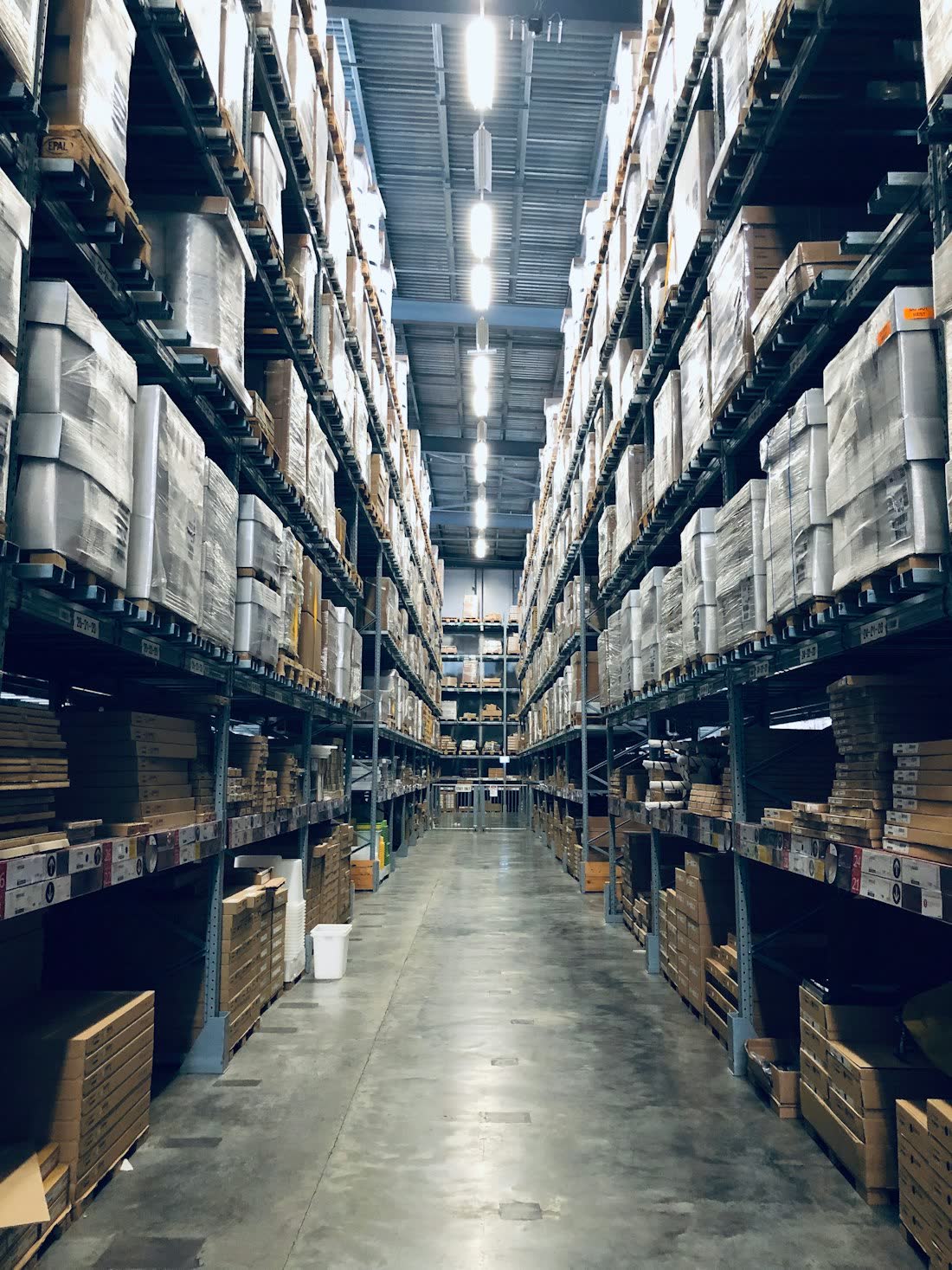
Chapter 02 · Automate, approve & track.
Automating the Manufacturing Order
From Sales Order to Work Order, Automatically.
Manufacturing Work Orders (MWOs) are entered manually or generated from client sales orders, cascade down the recipe, request missing materials and move through an approval workflow you define.
Inside this chapter6 featuresOrders · purchasing · approval
2.1
Generating Work Orders
01
MWOs from Sales OrdersProduce only what stock can't cover.Enter an MWO manually, or let the sales order book the quantity available in stores and generate an MWO for the remaining quantity automatically.
02
Cascading MWOsDown the recipe to the raw materials.Each MWO can generate further MWOs for the semi-finished products it needs, drilling down the assembly sheet until only raw materials remain.
03
Purchase Orders for Missing MaterialSuggested POs, ready for approval.The system suggests purchase orders for missing raw material, considering all needs of MWOs in process, quantities available in stores and purchase orders already approved.
2.2
Approving & Tracking
04
Machine Assignment & LoadAccurate machine load and delivery dates.Assign machines and equipment to each MWO with their expected occupancy, for clear visibility of machinery load and delivery deadlines.
05
Approval WorkflowEvery step from request to go-ahead.MWOs follow a predefined approval cycle that keeps track of the initial request, every change and each step before final approval for processing.
06
Status & MonitoringProduction load visible to plant management.Quantities are tagged as requested, approved, under process or achieved, and MWOs in progress are monitored throughout production, including machine occupancy per order.
Brochure / Chapter 03 of 04 / Production & Costing
Chapter 03 · Consumption & standard cost.
Processing the Manufacturing Order
Follow Every Phase. Cost Every Product.
Consumption of raw materials and semi-finished products follows the original recipe, phase by phase, until the order is complete and the finished goods reach stock at standard cost.
CHAPTER 03 · CONSUMPTION · PRODUCTION PHASES · STANDARD COSTING
Chapter 03
Inside this chapter6 featuresConsumption · cost · closing
3.1
On the Shop Floor
01
Recipe-Based ConsumptionPlanned versus actual, phase by phase.Consumption of raw materials and semi-finished products is proposed from the original recipe, and actual quantities are entered for each phase until the order is completed.
02
Production PhasesNot every step creates a product.Record phases that don't result in semi-finished products, such as design activities, raw material cutting or transformation.
03
Bulk ProcessingSeveral orders, separate finished products.Process multiple MWOs together in bulk and still generate separate finished products for each.
3.2
Costing & Closing
04
Standard CostingA reliable cost for every finished product.Finished goods are costed from the average cost of each raw material used plus the standard cost of production charges: direct costs, overheads, labour and machinery.
05
Closing the MWOFinished goods straight into stock.When the required quantity is produced, the MWO is closed and finished products move to the warehouse set in the assembly sheet, showing on inventory reports.
06
Fully Integrated with Dolphin Horizon ERPAccounting, stock and procurement in one system.Manufacturing shares one database with Dolphin Horizon accounting, stock and procurement, so consumption, purchases and finished goods post without re-keying. See Inventory Control →
Brochure / Chapter 04 of 04 / Traceability & Quality
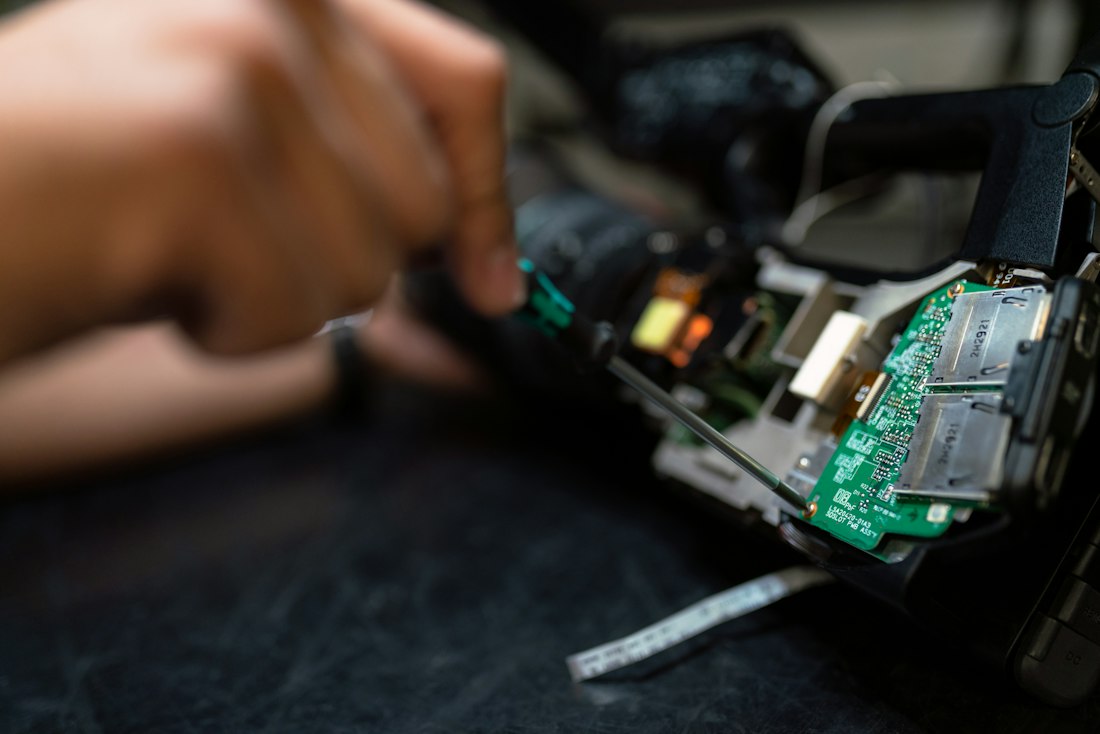
Chapter 04 · Quality control & security.
Finished Product Traceability
Every Lot Traced, From Supplier to Client.
Comply with ISO and other traceability norms: track finished products and the materials used to make them by lot or batch, and record the conditions they were produced in.
Inside this chapter4 featuresLots · conditions · security
4.1
Quality Control & Security
01
Lot & Batch NumbersRecall exactly what needs recalling.Track every finished product by its production lot or batch number, with expiry dates where required, so affected items can be identified and recalled from clients' locations.
02
Raw Material TraceabilityQuality problems traced back to the source.Materials used in each recipe are also tracked by lot or batch, so quality issues can be traced back to the supplier when needed.
03
Production ConditionsWho, where, and under what conditions.Save the labour, machines, production line and environmental parameters such as temperature and humidity on each manufacturing transaction, and analyse them when needed.
04
SecurityYour recipes, protected.Security groups restrict users' access to specific functions or programs. Access to recipes, for example, can be protected.
Analyse the profitability of each manufacturing order against its initial estimate, and the performance of production overall, with flexible, multi-criteria reporting and graphical analysis.
01
Production Volumes
Follow quantities produced by product, period and production site.
02
Machines & Capacity
See how long each machine is occupied by each MWO, and where the load is building up.
03
Order Tracking
Follow every MWO from request to completion, with its status, approvals and history.
04
Material Consumption
Review what each order consumed against its recipe, by material, lot and phase.
05
Cost Control
Compare actual cost and quantities against the initial estimates on every manufacturing order.
06
Dashboards & Profitability
Graphical, multi-criteria analysis of MWO profitability and overall production performance.
Export any report to Excel, RTF or ASCII for further analysis.
Why Dolphin Horizon
Built by People Who Understand Production
Software Design has been building financial and business management systems since 1985. Manufacturing streamlines your whole manufacturing chain, from planning and scheduling to monitoring and analysis.
Fully integrated ERP
Fully integrated with Dolphin Horizon accounting, stock and procurement, so nothing is keyed in twice.
Customer oriented
Sales orders drive production, and real-time tracking catches problems before customers do.
Workflow approvals
Every MWO follows your approval cycle, with the full history of changes kept.
Secure by design
Security groups control who can see and change recipes and production functions.
Spreadsheets vs one system
Why Manufacturers Move Off Spreadsheets
When recipes, orders, stock and costs live in separate files, materials run short, machines clash and nobody knows the real cost of a product.
Spreadsheets & separate tools
Every department, its own version
Recipes copied between files and out of date
Work orders created by hand from sales orders
Material shortages found on the shop floor
Product cost estimated, not measured
Lots and batches traced on paper
Visual Dolphin & Dolphin Horizon
One centralised system
One recipe library with multi-level assembly sheets
MWOs generated automatically from sales orders
Purchase orders suggested for missing material
Actual cost compared with the estimate on every order
Fully integrated with accounting, stock and procurement
Frequently asked questions
Questions Manufacturers Ask
More detail on Visual Dolphin and Dolphin Horizon Manufacturing.
Can a product have more than one recipe?
Yes. Each manufactured product has a primary recipe proposed by default and can have several alternative recipes, each with unlimited levels of semi-finished products.
Can manufacturing orders be generated from sales orders?
Yes. The sales order books the quantity available in stores and automatically generates a Manufacturing Work Order for the remaining quantity. MWOs can then generate further MWOs for the semi-finished products they need.
Is Manufacturing integrated with accounting, stock and procurement?
Yes. Visual Dolphin and Dolphin Horizon Manufacturing is fully integrated with Dolphin Horizon accounting, stock and procurement. It suggests purchase orders for missing raw material based on MWO needs, stock in stores and approved purchase orders.
How are finished products costed?
By standard costing: the average cost of each raw material used plus the standard cost of production charges such as direct costs, overheads, labour and machinery. Actual cost and quantities can be compared with the initial estimate on every order.
Does it support lot and batch traceability?
Yes. Finished products and the raw materials used to make them can be tracked by lot or batch number, with expiry dates, to meet ISO and other traceability requirements.
Is it suitable for jewellers?
Yes. It is well suited to specialty industries such as jewellery, as well as process and assembly manufacturing.
Is Manufacturing available on both Visual Dolphin and Dolphin Horizon?
Yes. Manufacturing is available for both Visual Dolphin and Dolphin Horizon.
Can reports be exported?
Yes. All report data can be exported to Excel, RTF or ASCII files for further analysis.
Continue exploring
Related Dolphin solutions
Discover related modules within the Dolphin Horizon product suite.

 Production under control
 Chapter 01
 Chapter 02
 Chapter 03
 Chapter 04